Sugar Rush
Jun 27, 2020 - ⧖ 3.0 minA tour of a full-stack web store I built called Sugar Rush.
The Project
The goal of this project was to utilize full-stack technologies in order to further my experience in this realm. I decided to create a fictional store that sells candies and other sweets.
When I think of candies, I think of small candy shops that have large containers of candies throughout the store that are available for purchase. Upon entering one of these shops, the bright colors of sweets are everywhere and I believe this is one of the most important characteristics of a candy shop.
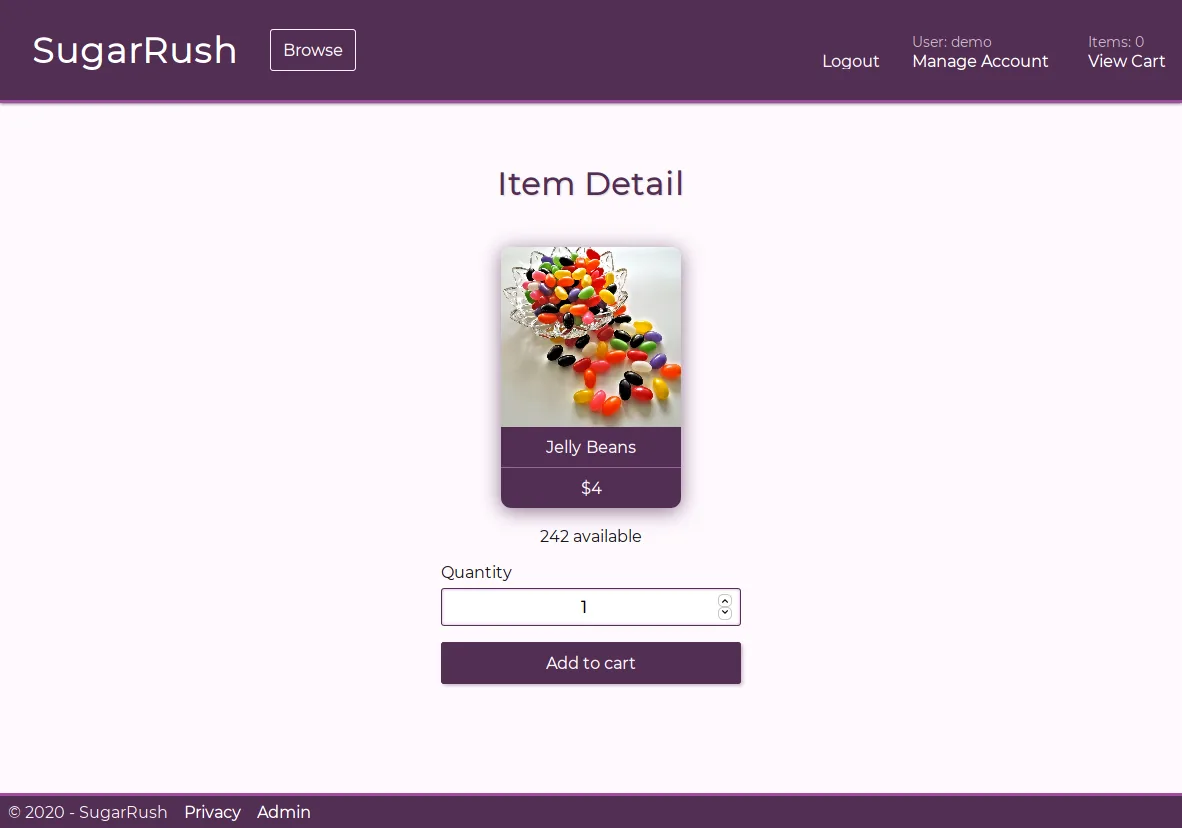
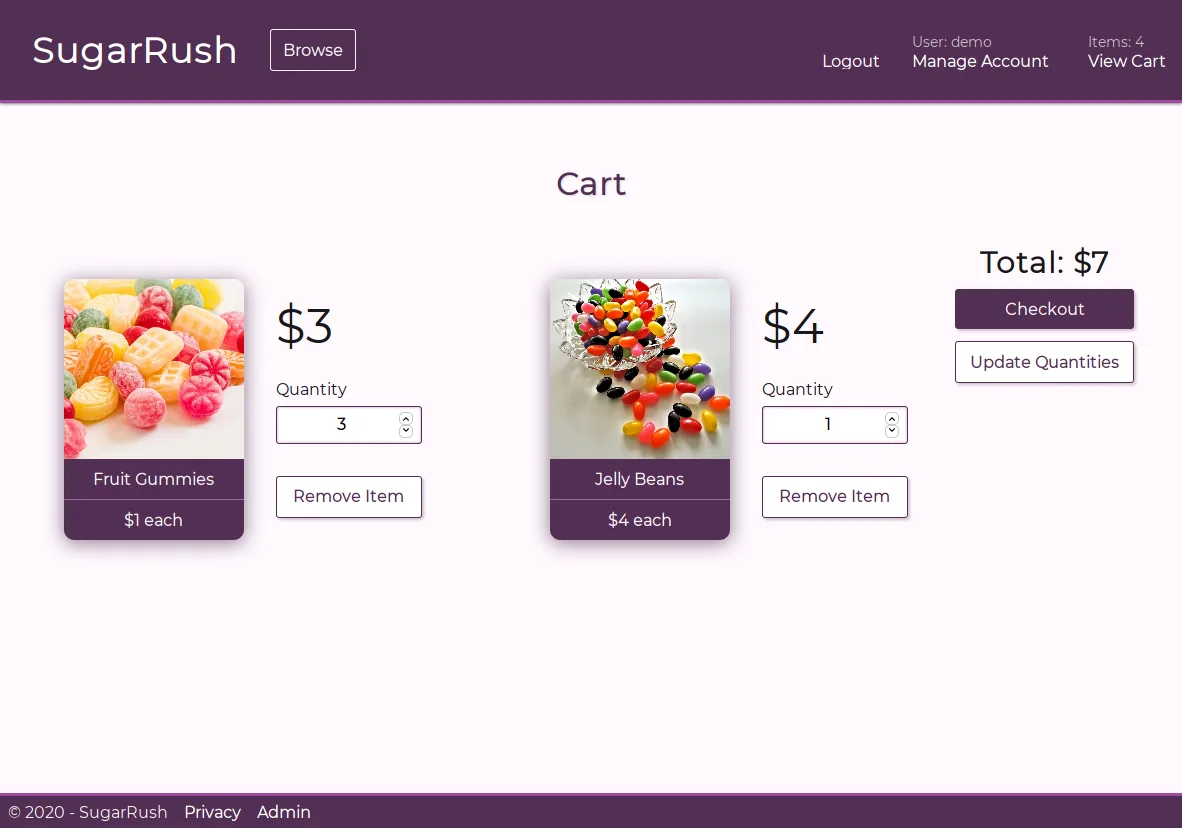
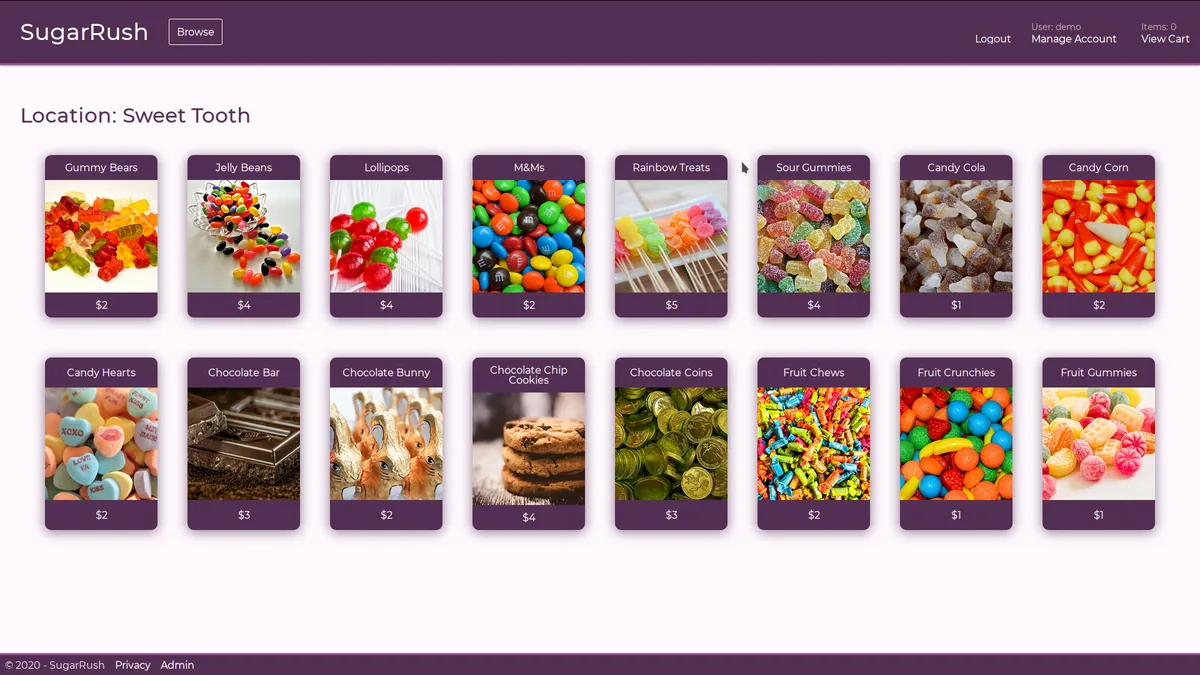
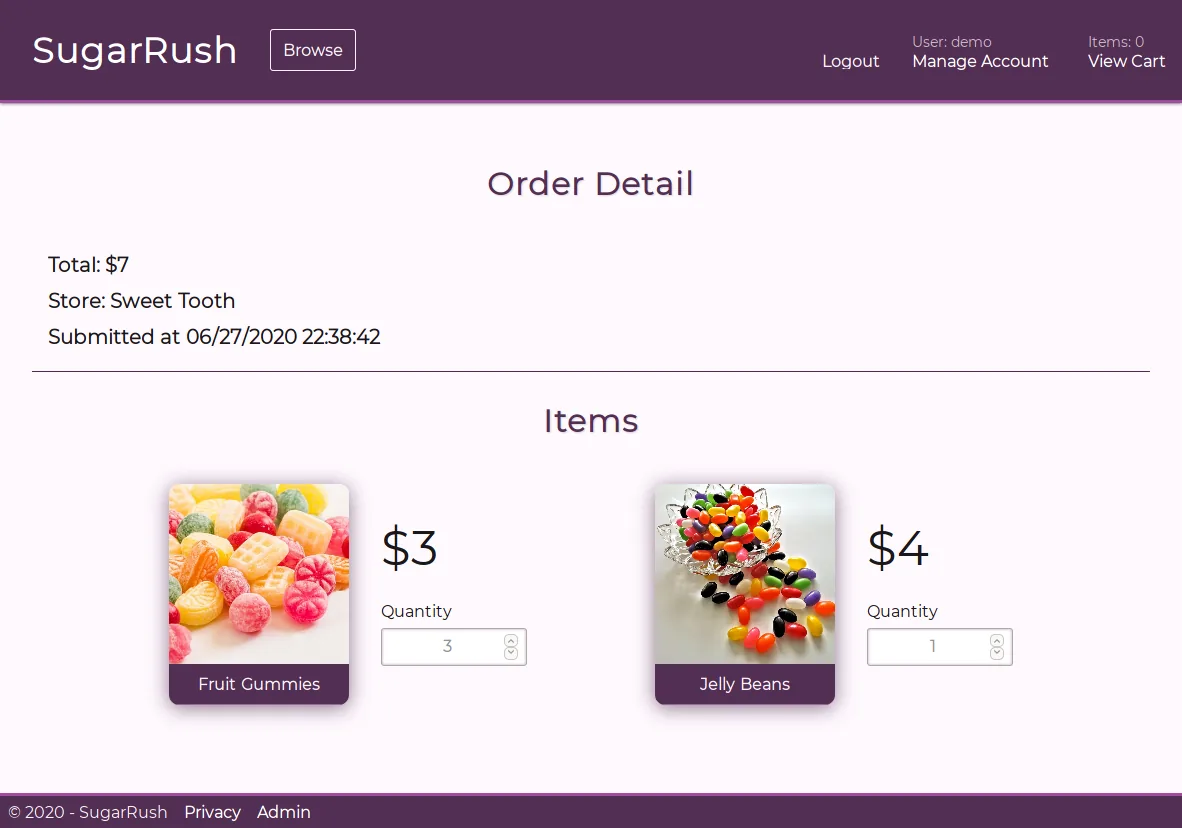
I attempted to replicate this in the visual design of the website by making images of the candy an integral part of the customer flow. Nearly every aspect of the site from the landing page, all the way through checkout, feature large images of the candies that are available.
If you'd like to try the application for yourself, simply click here here. To fully experience the site, simply create an account and you will be automatically logged in and ready to browse.
Tech Stack
Backend
For the backend of this project, C# ASP.NET Core MVC was utilized. This allowed me to take advantage of the great features ASP.NET Core offers such as user authentication and simplified routing mechanisms. This also gave me the freedom to materialize the vision of my site without losing any of the benefits of ASP.NET, thanks to the Razor templating engine.
For data management, I utilized the fantastic SQLite database engine. SQLite is always a great choice for initial implementations of projects since it is self-contained, quick to set-up, and has many features one would expect from a relational database.
To connect to the SQLite database, I took advantage of Entity Framework Core which provides a database-agnostic query abstraction layer on top of many popular database engines. This allows future iterations of the project to easily transition to large databases without the need for any code changes. As an added bonus, Entity Framework takes advantage of C# LINQ, so all the database queries get checked at compile time.
Frontend
The frontend is mostly plain HTML generated via Razor templates on the ASP.NET Core backend. These pages are served to the frontend with appropriate data based on the current state of the database, and the user's request.
I utilized the Sass language in order to make the CSS of the page more easily maintainable. No CSS frameworks were utilized and I opted to just create my own styles from scratch for this particular project.
Wireframes for the web application were created in Inkscape. This is a fantastic tool to create wireframes and diagrams because it is a generic vector graphics package, and as such does not restrict or limit what can be created.
Features
- Login system with password hashing and validation
- User and administrator accounts
- Shopping cart and checkout system
- Quantity adjustments are verified both on the client and server
- Virtual inventory accounting ("in stock" amounts consider the contents of user's carts)
- Account settings (shipping address / contact information)
- Purchase history
- Inventory management for administrators
- Support for multiple store locations, each with their own inventory
- Responsive design with 100% feature parity on all device sizes
As this project was not meant to be deployed as a production-ready full-featured web store, processing of payment information is not available. However, this feature would be straightforward to implement since all of the building blocks are in place to accurately record and process transactions.
Photos/Screenshots