Household Budget Tracker
Jan 23, 2020 - ⧖ 3.0 minI tried a few of the budgeting apps available on the Google Play Store, but was not able to find one that fit my needs. The main feature that was missing in nearly everything I tried was shared accounts. It would be great if both my spouse and I could have access to the same budget information, that way we would both be "in the know" with our purchases. I thought this would be a fairly common use case, but apparently not.
My original solution was a budget manager I wrote and we used for about 6 months. This worked fine, except it was only able to be updated via terminal since I threw it together in a hurry. I finally got around to writing a new version that features proper updating methods allowing us to fully manage the budget with our mobile devices.
The Build
As usual, I chose to use the web as an application platform for the project. The web is an obvious choice since the primary use-case requires networking.
For the backend, I used Rust to code the web server, render the templates, and handle sessions and SSO.
The database used is SQLite. While this is technically a multiuser application, the volume will be low enough where I won't need to worry about the single-threaded nature of write operations in SQLite. One thing that popped up towards the end of development was extended family wanting to use the app as well. They thought it was a great idea to be able to have multiple people with access to the budget, so I obliged and added support for multiple different datasets. Since SQLite doesn't have any support for a multi-tenant architecture, I had to rewrite all the queries to accommodate, but there are only 54 queries in the application so it wasn't too problematic.
On the frontend, I relied on the Tera templating library (which is similar to Jinja2 for Python) to generate the web pages. I also went with Sass for my stylehseet preprocessor.
Lastly, I wired a build system together using just for single command builds & deployment.
Features
Multi-User
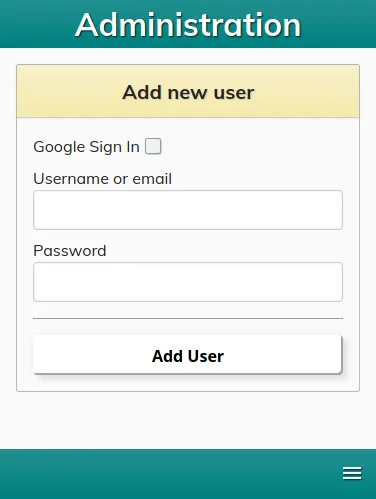
The obvious feature for this application is the multi-user and multi-dataset capabilities. The database is able to handle multiple different sets of transaction data and can keep it segregated between accounts. New "administrator" users are added manually via CLI which generates a new dataset. Admin users can then use the web interface to grant access to their dataset via Google Sign-in or by creating a new account.
Split Transactions
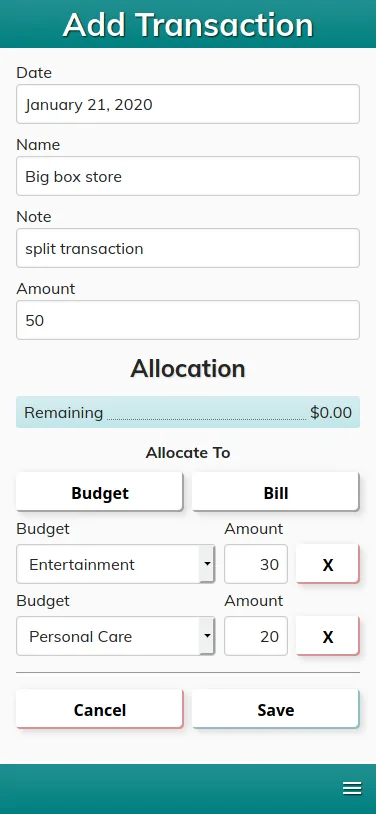
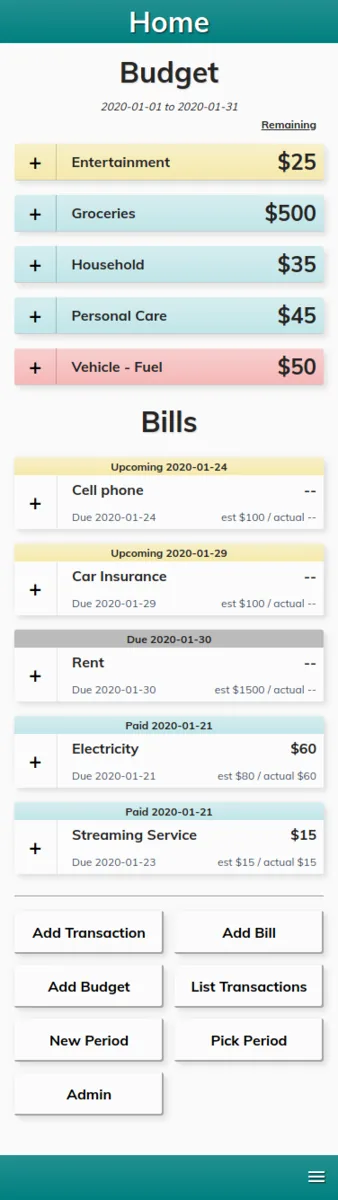
Transactions can easily be added to specific categories by clicking the "+" button next to the category name. They can also be split to any number of bills or budgets, which is great when making purchases at big box stores. The interface checks for proper transaction splits, so everything is always accounted for.
Quick Edits
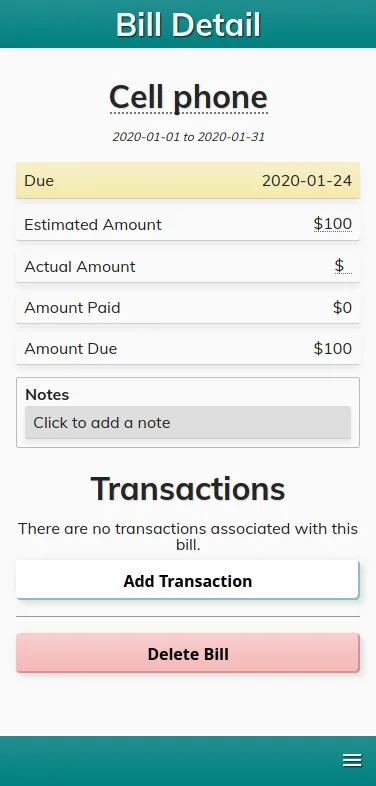
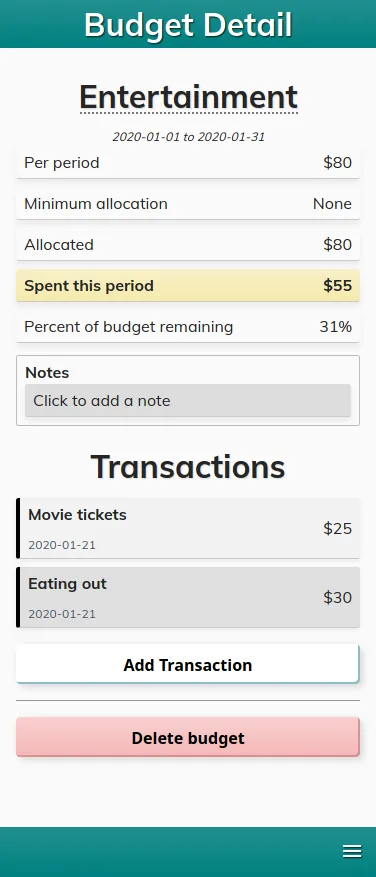
Nearly all the information in the application can be quick-edited simply by tapping a piece of data that has a subtle dotted underline. Edits are live and are checked & saved once the user presses the Enter key, or if they click off the field. Edits can also be canceled via the Escape key.
Easy Usage
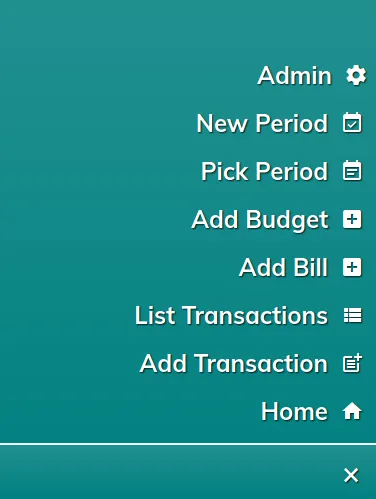
Navigating and using the application is straightforward. Tapping a bill or budget brings up the details page which lists all relevant information. The user may also add a new transaction directly from this page, or they can bring up the hamburger menu at any time for a listing of actions available.
Result
Conclusion
Overall I am happy with the result. The app looks clean, runs quickly on the mobile devices tested, and is able to handle our budgeting needs. There are still some features I would like to add, but for now the project is completely usable and basically "done"!
Happy coding!